


WHOLE-BODY CONTROL
16 joints. One coordinated robot.
Move into position with a 12-DOF quadruped base. Reach and grasp with a 3-DOF arm, while the rotating base extends the working range.
12leg joints
3arm joints
1rotating base

XGO-mini2S with LiDAR AI Robot Dog with Raspberry Pi CM5 & 4-DOF Robotic Arm

Now in Pre-sale — Ships within 10 Days
Due to the complexities of international shipping, returns are not accepted once your order has shipped. If you experience a product quality issue, we will arrange a replacement shipment or an exchange.
Bring your AI ideas to life. Powered by Raspberry Pi CM5, XGO-mini2S combines 12-DOF quadruped mobility with a 4-DOF robotic arm for walking, grasping, and interactive robotics projects—all on your desktop. Coreless motors and magnetic encoders support responsive movement, while omnidirectional locomotion, body posture control, and IMU stabilization expand your experiments. With computer vision, voice interaction, and Python / ROS development support, it’s a versatile platform for robotics enthusiasts, developers, and researchers.

01 / THE PLATFORM
WHOLE-BODY CONTROL
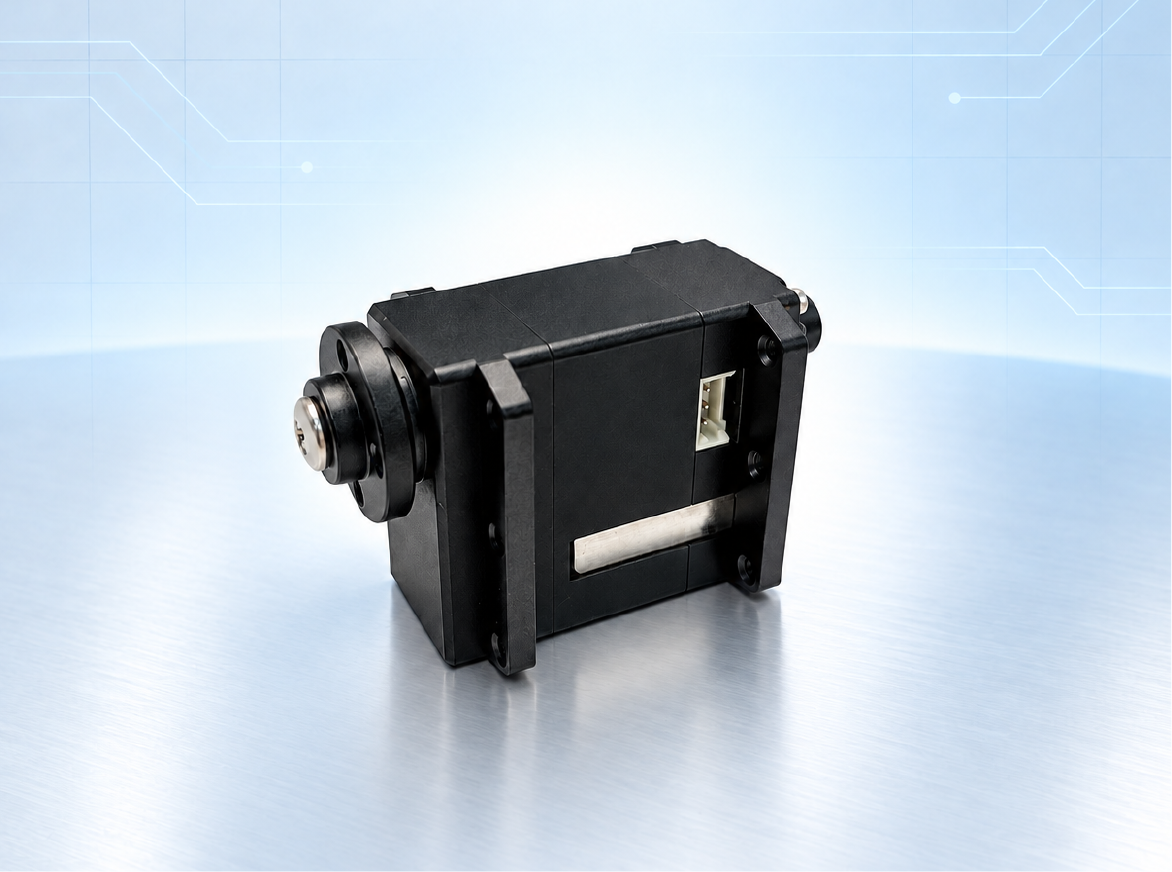
CLOSED-LOOP SERVOS
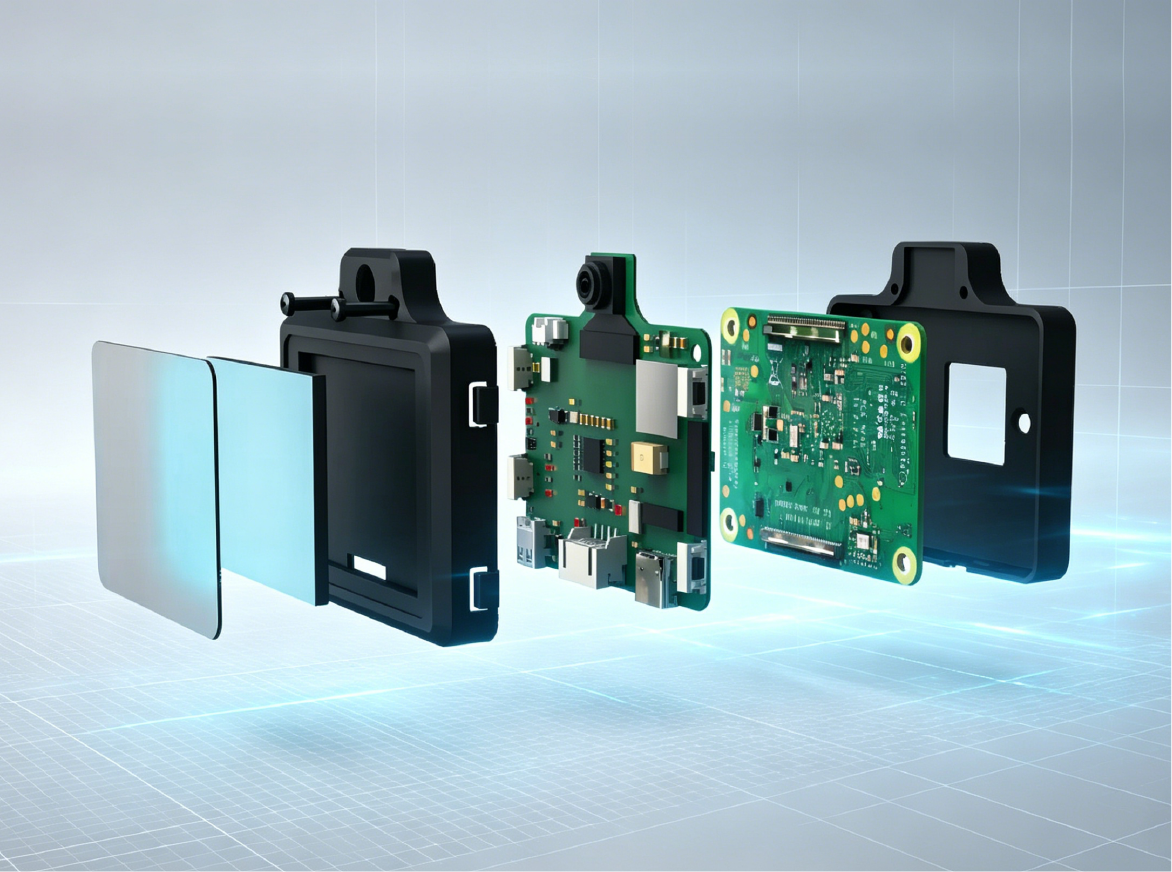
COMPUTE ON THE ROBOT
02 / MOTION & MANIPULATION
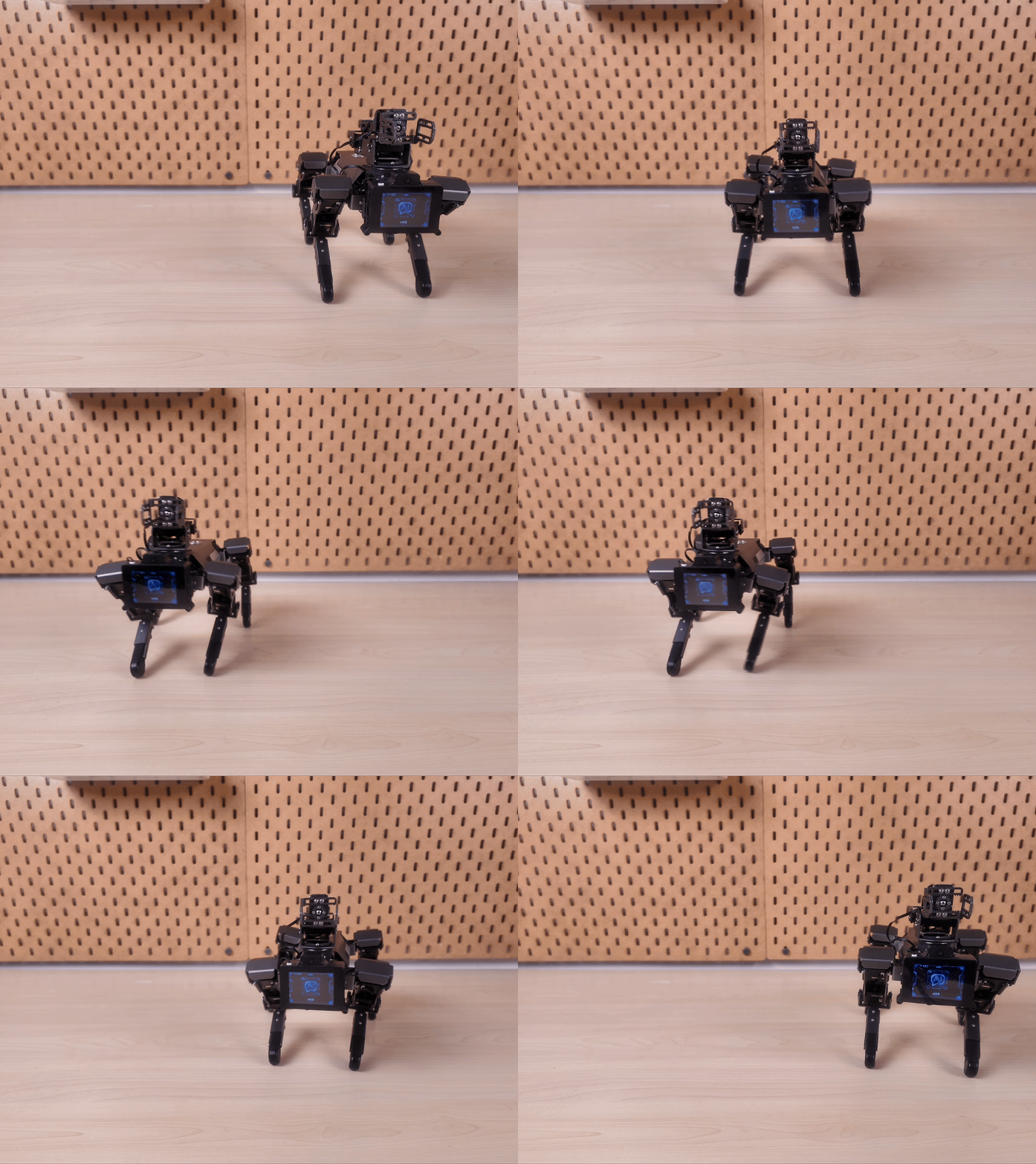
POSITION
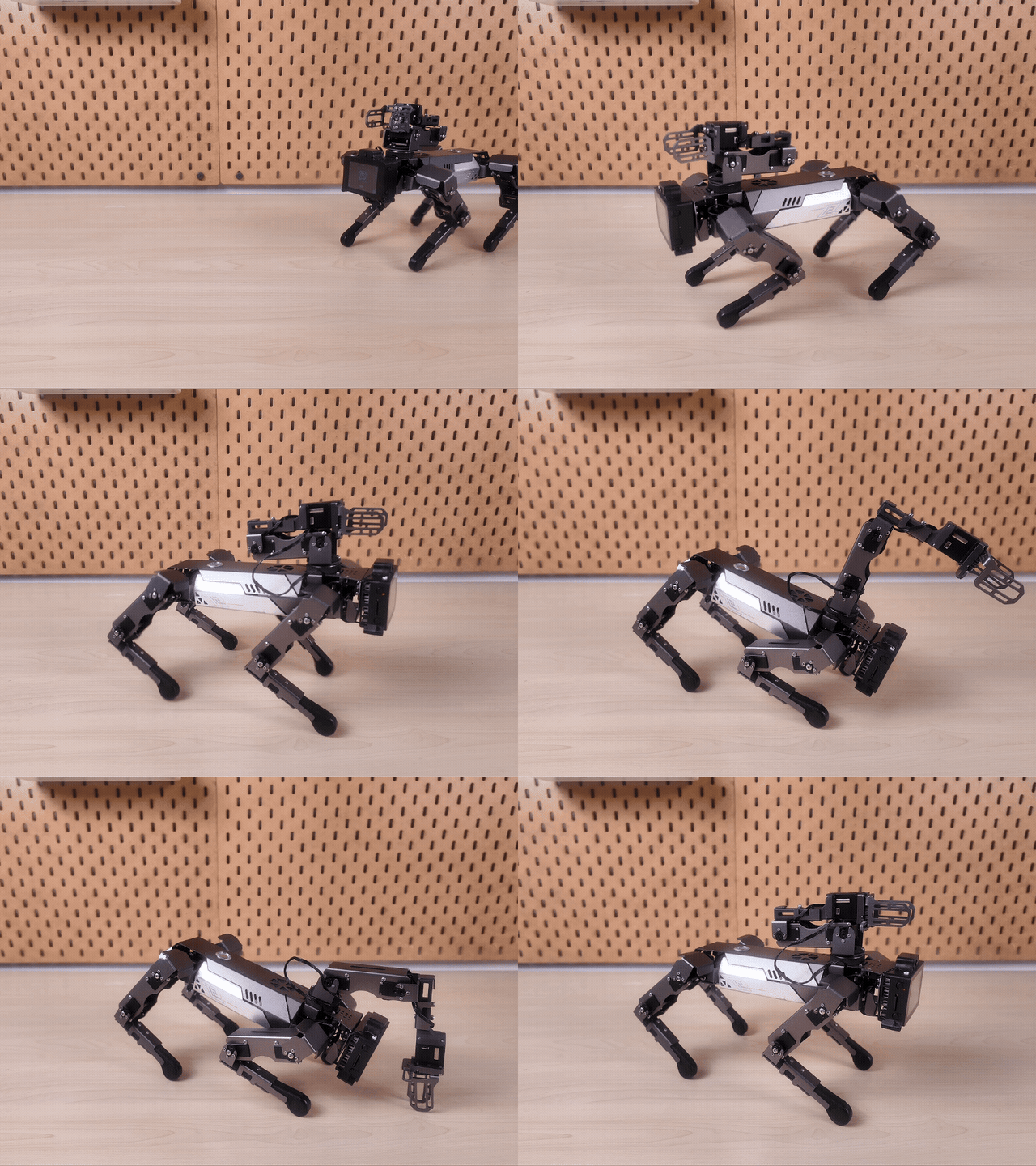
COORDINATE
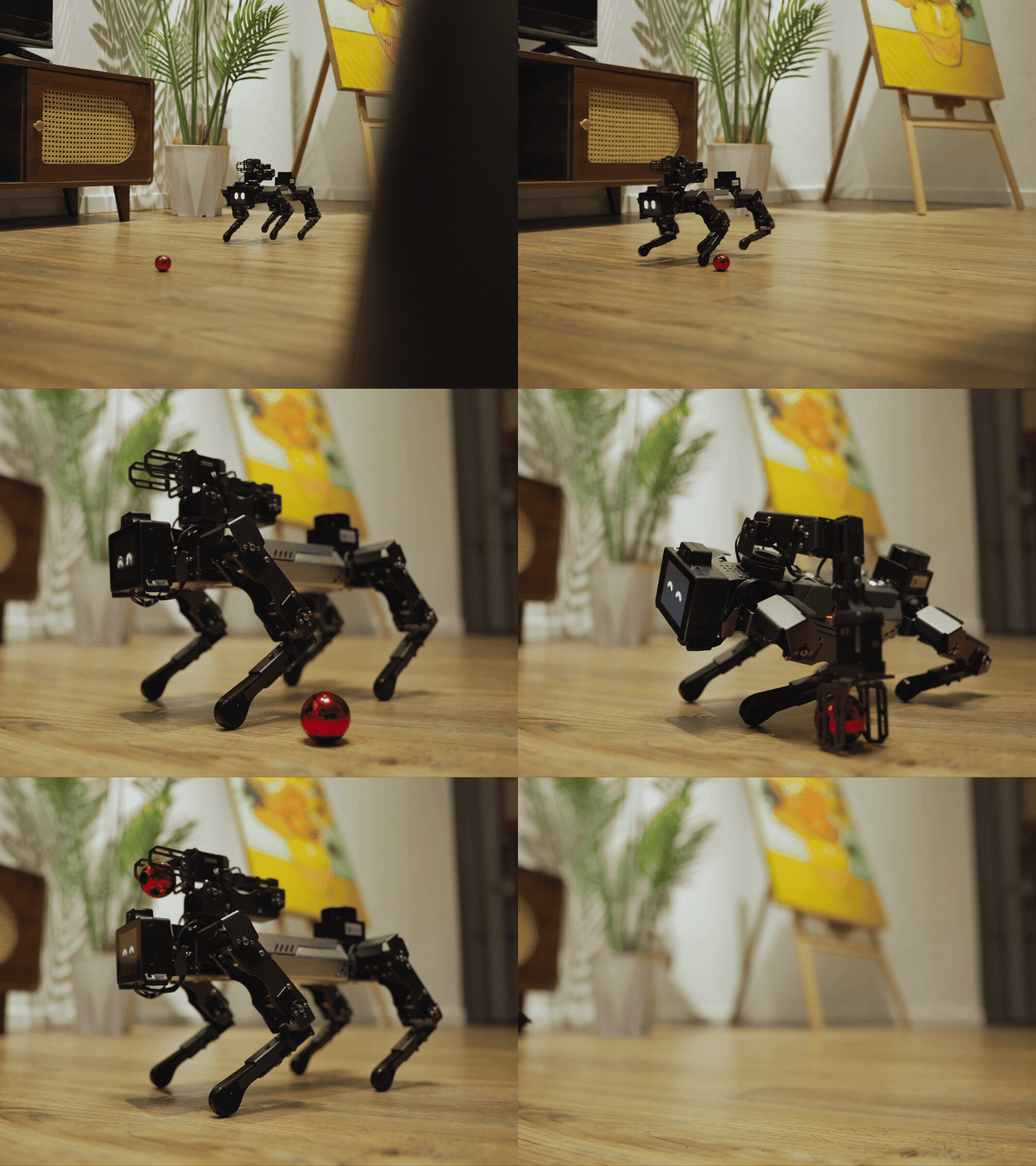
MANIPULATE
03 / VISION, VOICE & INTERACTION

FROM PERCEPTION TO ACTION
“Grasp and lift the red ball.”
SENSE
PROCESS
RESPOND
ACT
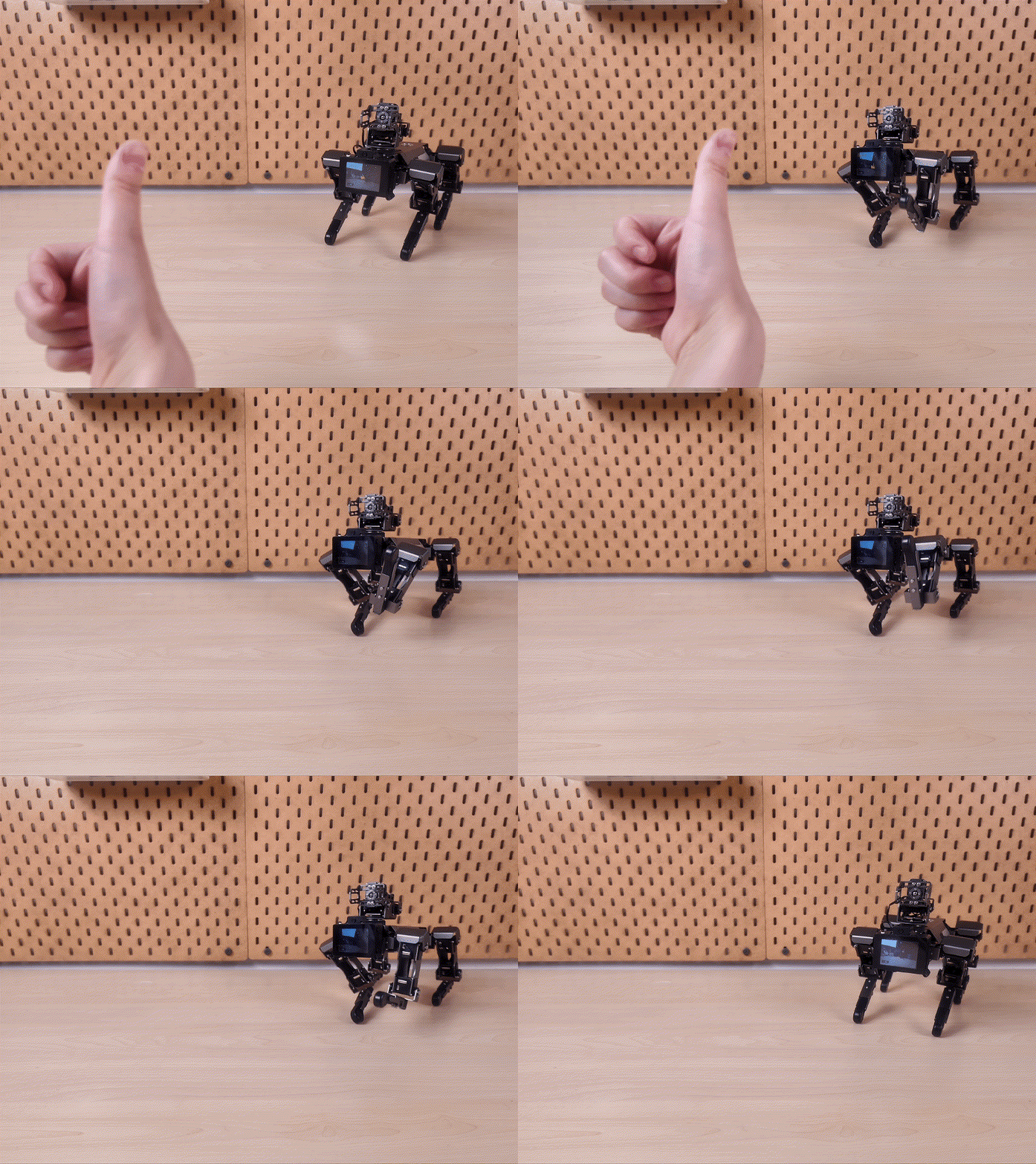
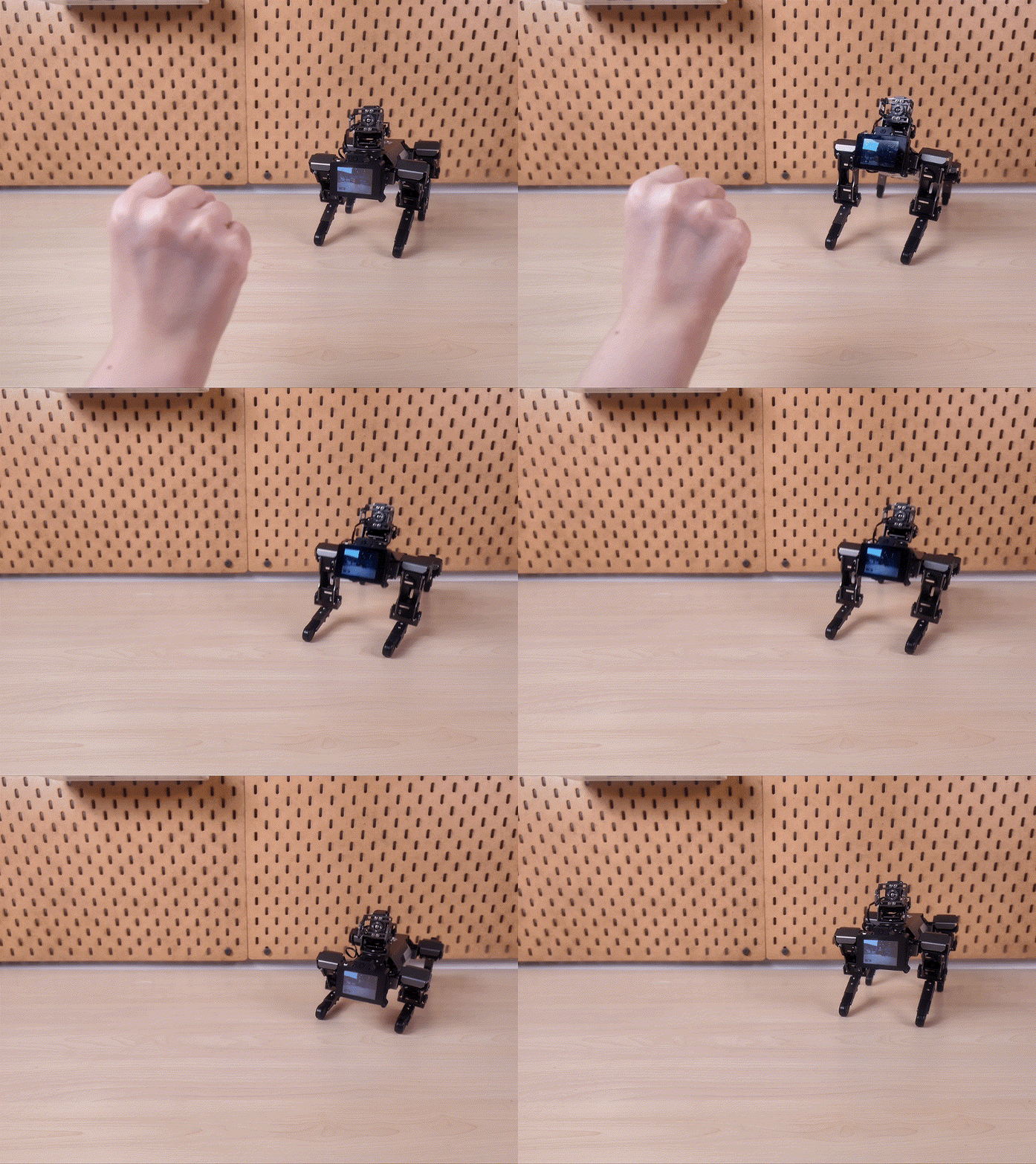
GESTURE INTERACTION
04 / OPEN DEVELOPMENT
XGOLIB / MOTION.PY
# xgolib: Automatically detect the serial port and robot model
from xgolib import XGO
from time import sleep

dog = XGO()
print("firmware:", dog.read_firmware())
dog.pace("high")

dog.move("x", 18)
sleep(1.2)
dog.move("y", -8)
sleep(0.8)
dog.turn(60)
sleep(1.0)

dog.stop()
dog.reset()
LUWU-OS API · xgolib automatically discovers ttyAMA5 / ttyAMA0.
LUWU-OS / BALL_TRACK.PY
# Detect a blue target and convert its horizontal offset into turning speed
from picamera2 import Picamera2
from xgolib import XGO
import cv2, numpy as np

cam, dog = Picamera2(), XGO()
config = cam.create_preview_configuration(
    main={"size": (640, 480), "format": "RGB888"}
)
cam.configure(config)
cam.start()

while True:
    frame = cam.capture_array()
    hsv = cv2.cvtColor(frame, cv2.COLOR_RGB2HSV)
    mask = cv2.inRange(hsv, np.array([95, 90, 60]),
                              np.array([130, 255, 255]))
    m = cv2.moments(mask)
    if m["m00"] > 3000:
        cx = int(m["m10"] / m["m00"])
        dog.turn(int(np.clip((320 - cx) * 0.25, -60, 60)))
    else:
        dog.stop()
Vision pipeline · OV5647 → Picamera2 → OpenCV → xgolib.
ROS 2 / XGO_WALK_NODE.PY
# Use one ROS 2 node to switch between simulation and real-robot execution
import rclpy
from rclpy.node import Node
from xgolib import XGO

class WalkNode(Node):
    def __init__(self):
        super().__init__("xgo_walk")
        self.declare_parameter("simulate", True)
        self.sim = self.get_parameter("simulate").value
        self.dog = None if self.sim else XGO()
        self.timer = self.create_timer(0.1, self.control)

    def control(self):
        speed = 18
        self.get_logger().info(f"cmd_x={speed} sim={self.sim}")
        if self.dog:
            self.dog.move("x", speed)

rclpy.init()
rclpy.spin(WalkNode())

# ros2 run xgo_demo walk --ros-args -p simulate:=true
Luwu ROS v0.1 · ROS 2 Lyrical example; simulation mode does not write to hardware.
06 / TECHNICAL SPECIFICATIONS
The Mini2S platform, equipped with a YDLIDAR T-mini PLUS for 360° environmental scanning. Specifications below cover the LiDAR version; ranging performance depends on target reflectivity.

FREQUENTLY ASKED QUESTIONS
YOUR NEXT EXPERIMENT STARTS HERE
Explore setup guides, code examples and development resources for your Mini2S.
View Documentation